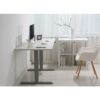
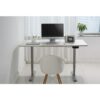
Description
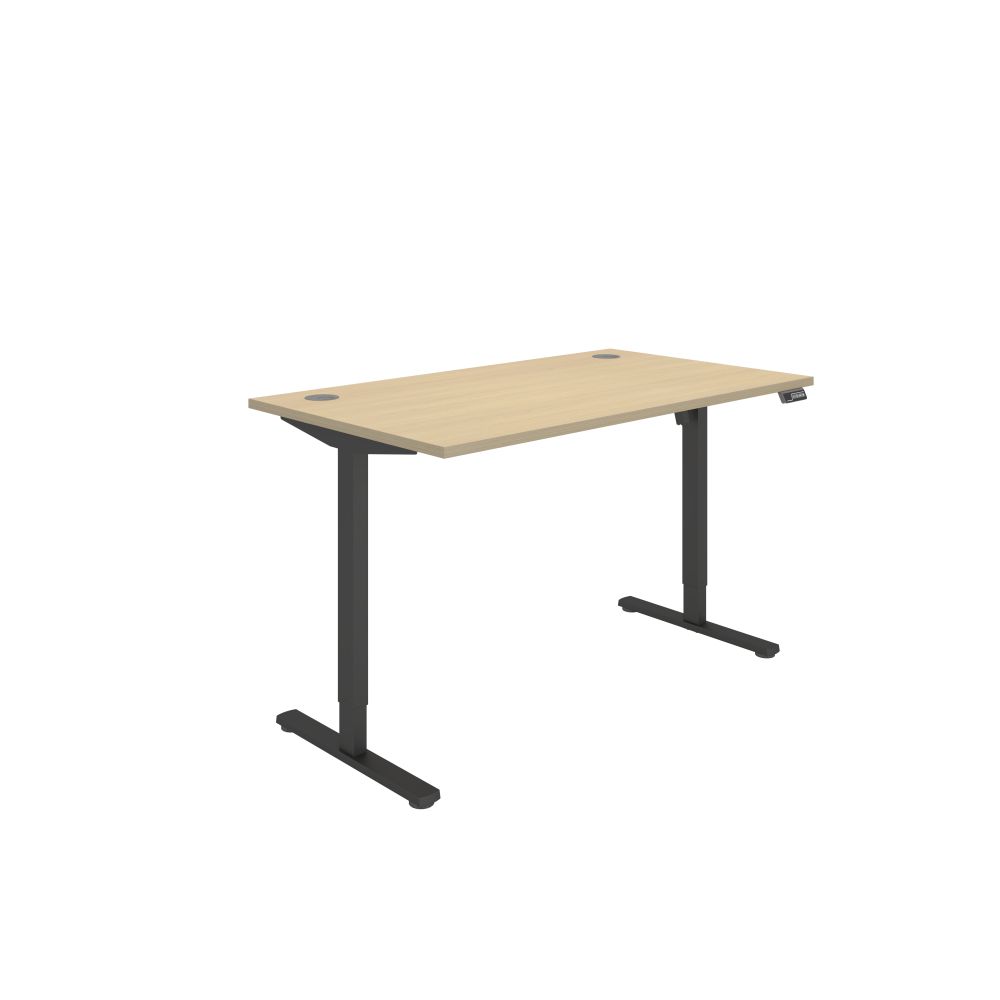
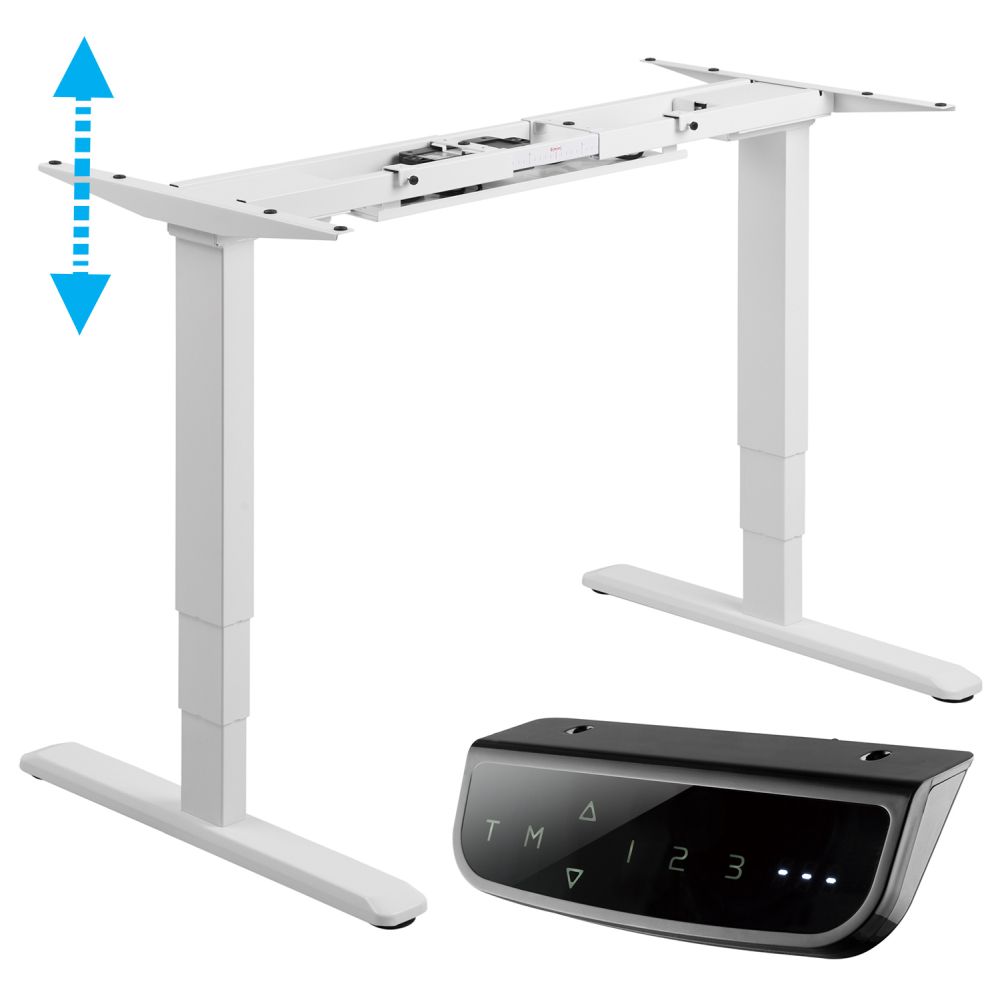
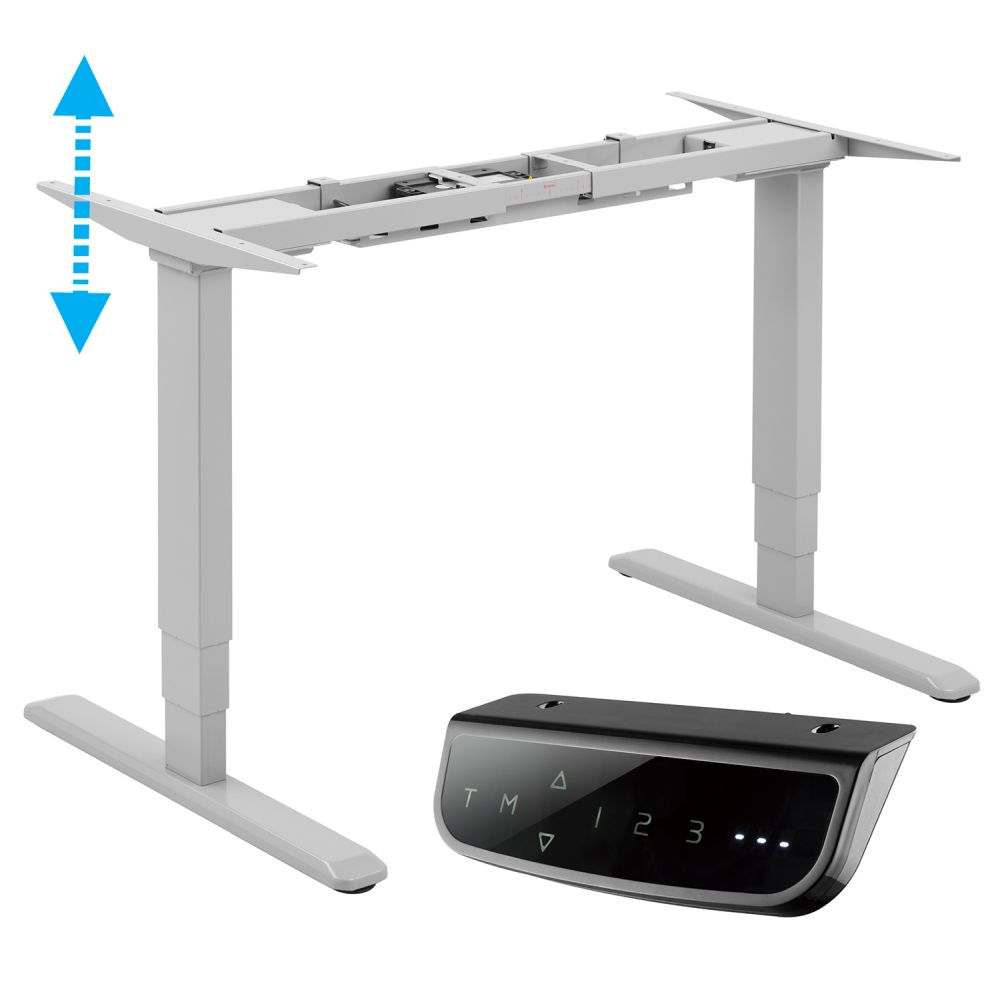
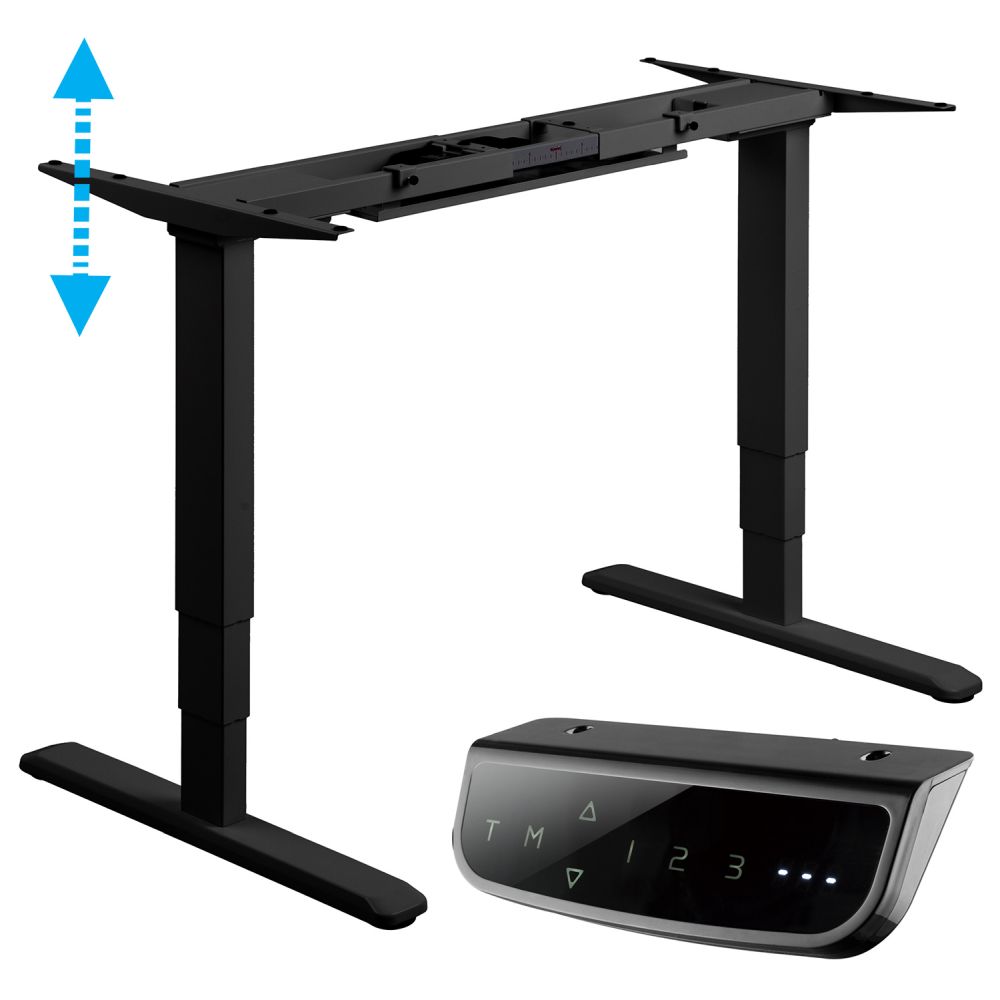
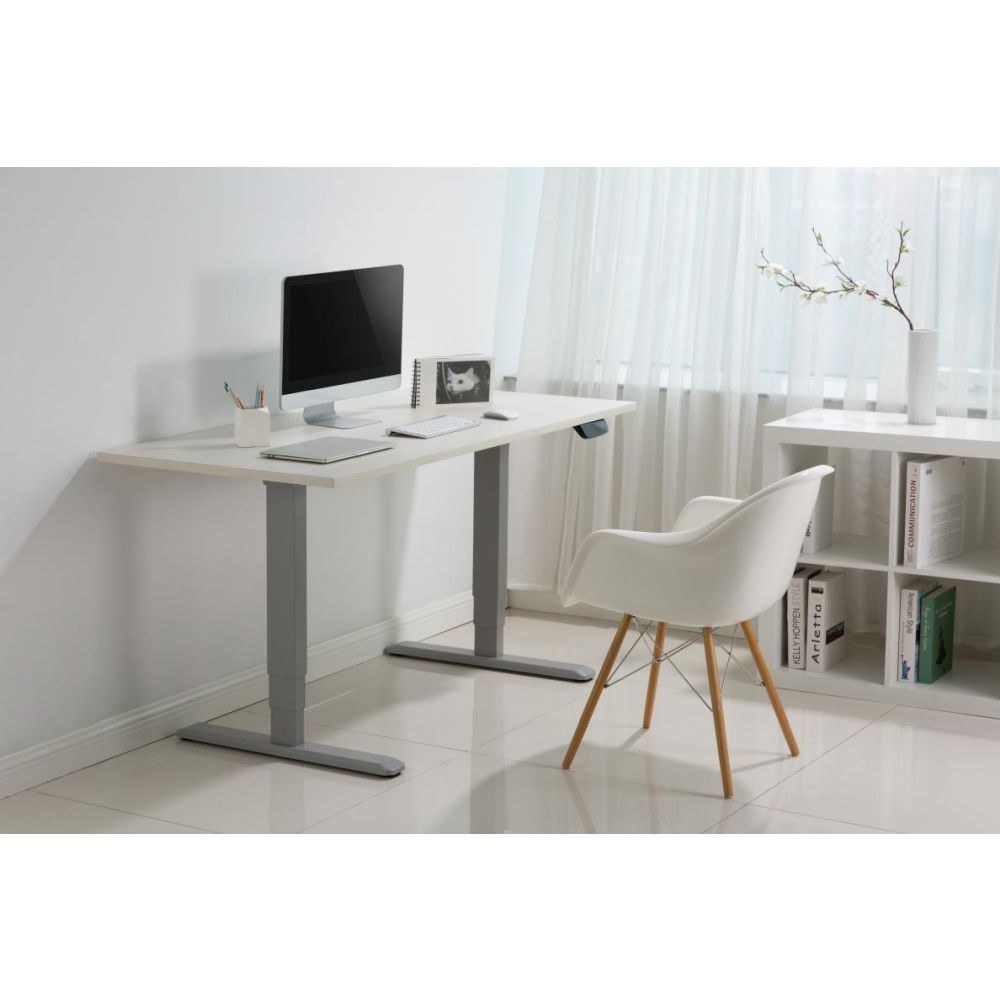
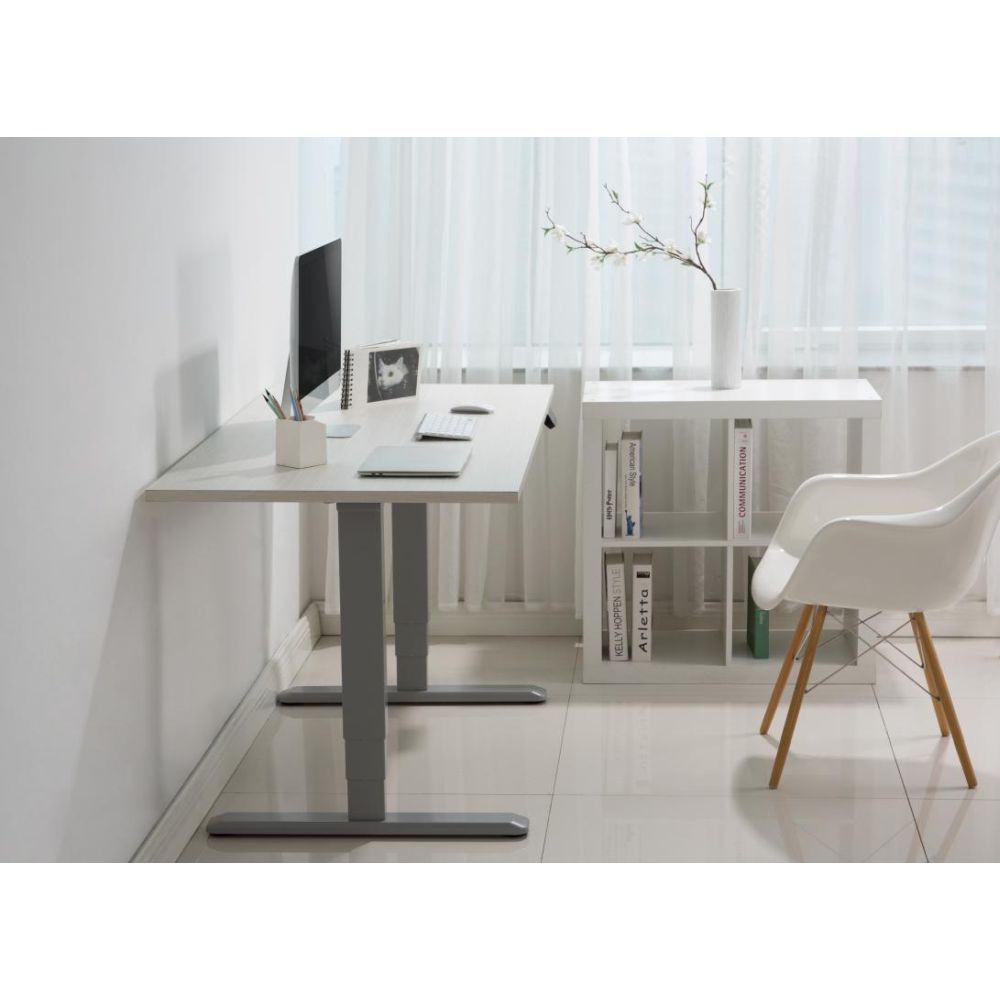
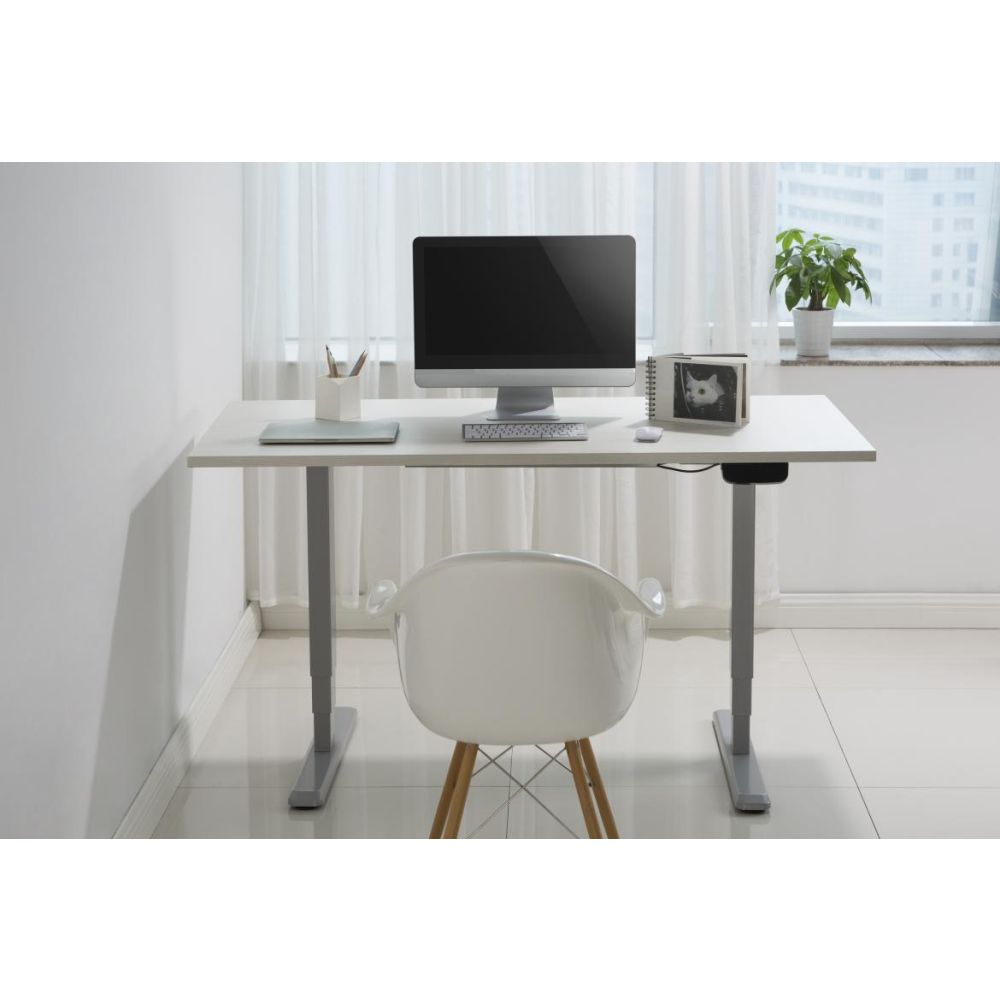
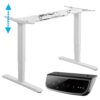
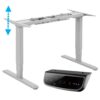
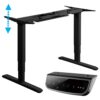
Electric Standing Desk Frame w/Dual motors, 3 Memory Pre-sets, 62-128cm Height Adjustable
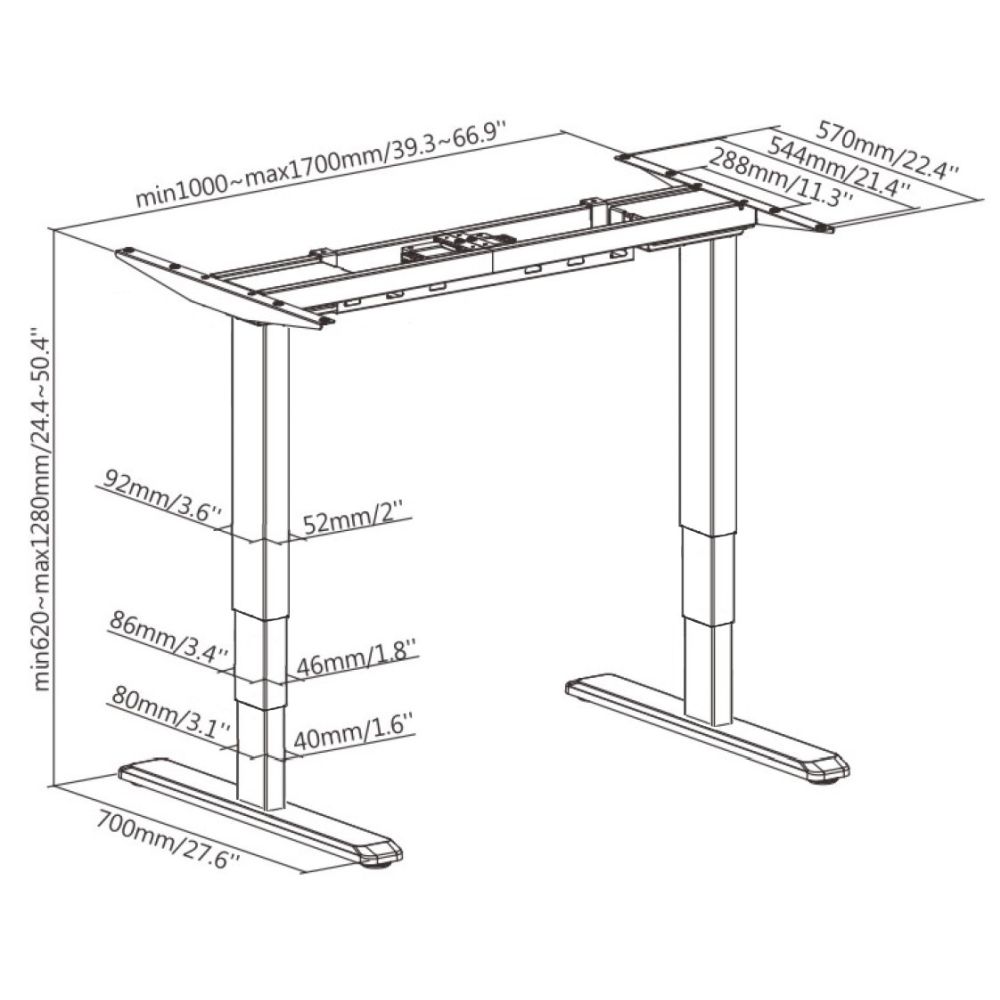
- Super-sensitive anti-collision with smartphone grade Gyro sensor; Fast and quiet dual motors, adjust the desk height from 62 to 128 cm in a few seconds
- Modern advanced touch-sensitive controller, you can now set 3 height pre-sets, min and max height, anti-collision sensitivity, display unit (cm or in), and sit-stand alert timer
- Heavy-duty steel construction support up to 125 kg, 3-stage reversed columns, dust-proof and more stable
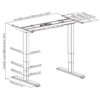
- Telescopic frame, supports desktop of width 110 – 220 cm and depth 70-100 cm (desktop NOT included)
- All screws are hidden for better appearance
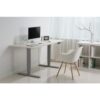
Featuring 2 electric motors that allow you to adjust the height of your desk, the EDF12D electric sit-stand helps to reduce your sitting hours without sacrificing working hours, as well as extending your precious life and alleviating your lower back pain. It is quick and easy to adjust the electric desk and it can be raised from 62cm to 128cm within seconds. This allows you to work comfortably, whether sitting down or standing up.
The modern touch-sensitive remote controller immediately sets the standing desk apart from the competition, and its beauty is matched by its powerful functions, now you can set:
- Three height pre-sets. When the desk is at your desired height, touch button “M” then “1” or “2” or “3” to set, for example, “1” for your reading position, “2” for writing position, and “3” for your standing position. When you want to change from reading position to standing, simply touch “3”.
- Anti-collision sensitivity. There are two sensors: one for electric current and one gyro for levelness, and there are 3 sensitivity parameters (upward, downward, and levelness /gyro), each with 9 level settings. Effectively you can have 27 different anti-collision sensitivity settings.
- Sit-stand timer. Simply press button “T” for a count-down timer of 0.5 hr or its multiples (up to 4 times, i.e. 2hr), and when the time is over it will alert you to change position.
- Max and min-height. This would be useful if you have a tall chair or chest under the desk so you won’t be bothered by the anti-collision error message.
- Screen lock on/off. By default, the screen will be automatically off after 3 min of inactivity. You may want it to be always on so you can change height instantly instead of holding the M button for 3 seconds first.
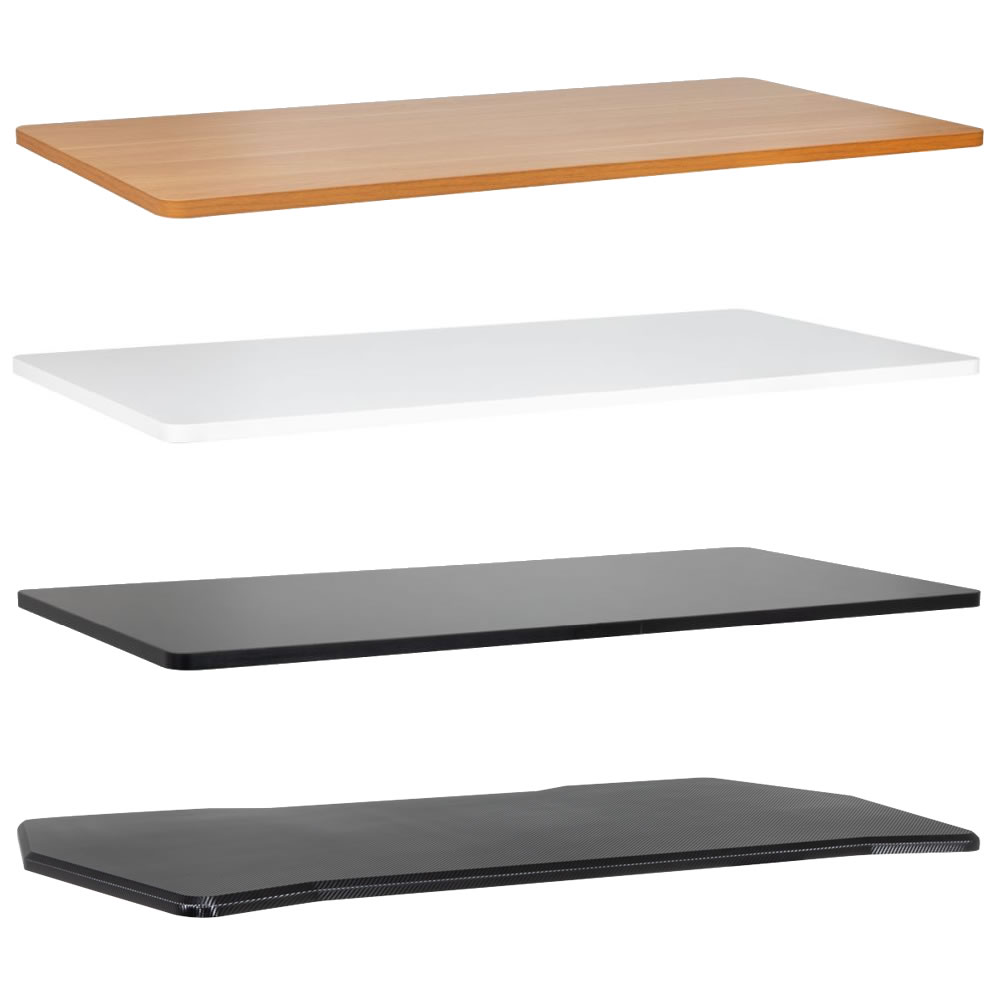
Purchase your desktops here.